Guidelines
Guidelines
This guide outlines the best practices for effectively creating new icons in our design system, ensuring visual consistency across user interfaces.
Accessibility
An Icon should:
- Ensure high contrast within its context, meeting at least WCAG 2.1 AA standards.
- Include accessibility tags, as icons are hidden from assistive technologies by default. The title tag is especially important when icons are used without text.
- Always be accompanied by text when its meaning or function might be unclear in its context.
Designing Custom Icons
Sometimes the system doesn't provide the right icon for your needs yet. In this case we encourage to create a local icon to unblock your work following the guidelines below. At the same time we are happy to receive a request through Echo for us to add it to the design system.
An Icon should:
- Use 1.5px stroke width and 0.5px radius and be created in 22 x 22px size.
- Be simple and easily recognizable, avoiding excessive details.
- Maintain a consistent style across all icons, with uniform stroke width, corner radius, and visual weight. Follow the style and rules, such as size and safe space, defined in the Icon Template file.
- Be scalable, remaining clear and legible at different sizes, and avoid intricate details that might be lost when scaled down.
- Be proportionate and balanced within its bounding box, centered to avoid alignment issues. Visual alignments are acceptable when necessary.
- Use common metaphors and symbols that are easily understood by users, avoiding ambiguous or culturally specific symbols.
- Align with the overall brand identity and visual language of the design system, maintaining consistency with other visual elements.
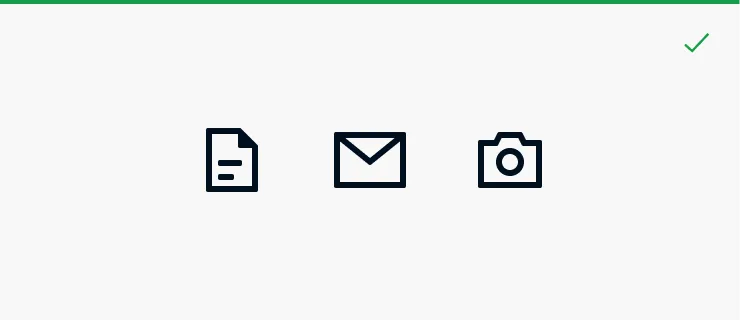
Simplify icons and avoid excessive details.
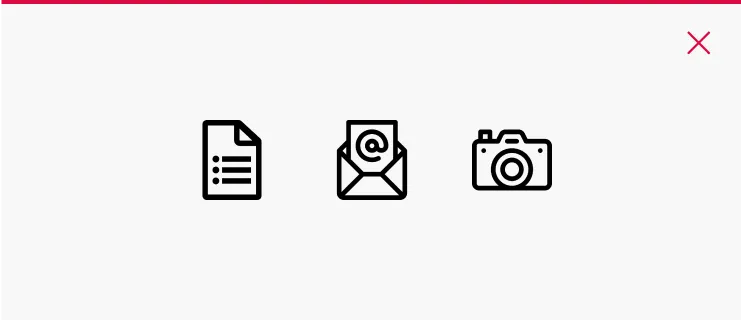
Avoid using icon sets, complex icons and being too literal.
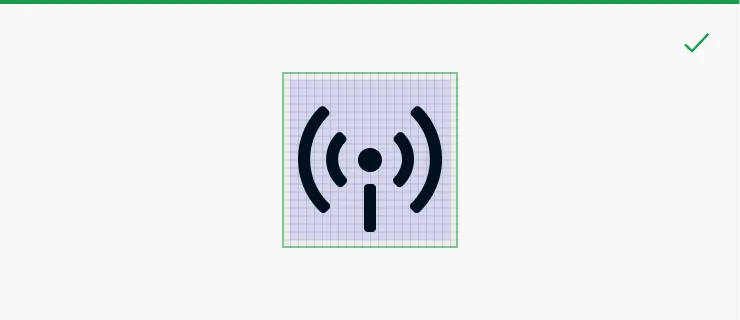
Icon content is limited to the 20 x 20px area, with 1px of padding around the perimeter. If needed, optically align the icon content.
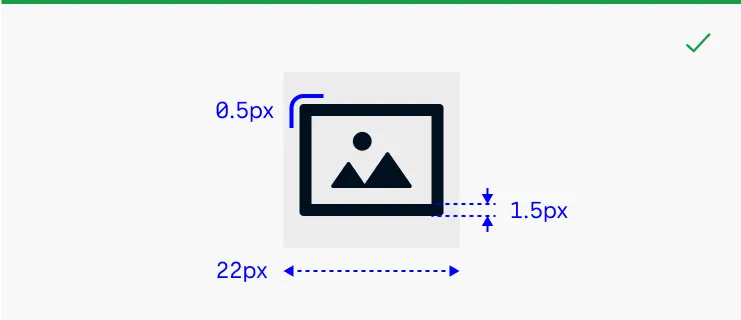
Create the icon in 22 x 22px size. Use 1.5px stroke width and 0.5px radius when designing an icon.
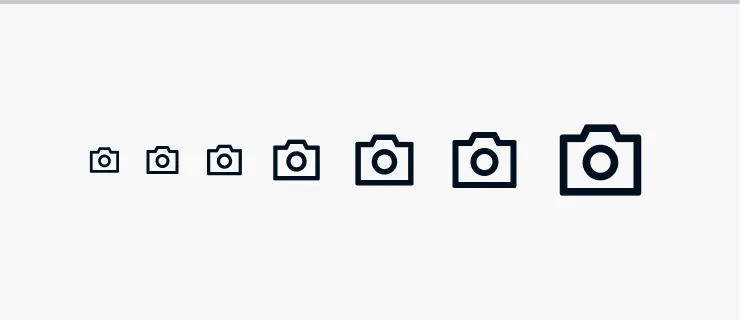
Test the icon in various sizes defined in the template file.
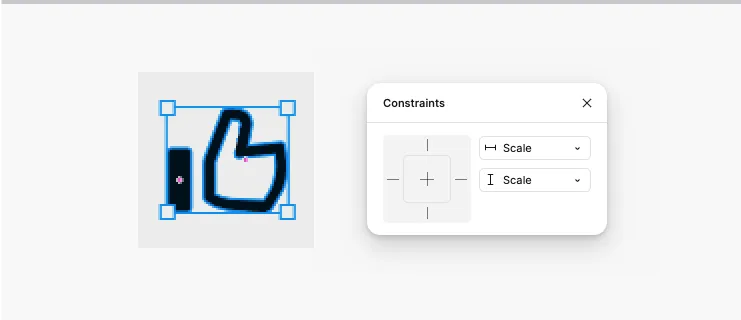
Ensure that the strokes are outlined, the shape is flattened, and it is set to 'Scale'.